Skip Dog Triggers on Netflix.
Reactive, TV-watching dogs are exhausting. BarkSkip is a Chrome and Safari desktop browser extension that automatically skips reactive triggers on Netflix, reducing reactivity and bringing calm to your living room.
![A photo of BarkSkip Warning - BarkSkip detected Animals in 1 second. [cancel skip] during a supported movie on Netflix.](https://images.squarespace-cdn.com/content/v1/6a01f8d08c5a7c527279fa41/39cc9cf0-63ef-4a1c-928a-8b2eeb72e8df/barkskip-example)
Reclaim Your Movie Nights
How BarkSkip Works
Watch Netflix with less stress. BarkSkip is a free browser extension that warns you and then skips mapped animal and noise triggers on supported Netflix titles, so reactive and noise-sensitive dogs are less likely to react at the screen. Works in desktop Chrome and Safari on Mac.
1.
Install the extension: Install BarkSkip for free!
Chrome: Install from the Chrome Web Store
Safari (Mac): Install from the App Store
No account required. Five movies are included at no charge, while BarkSkip Pro unlocks the entire catalog.
2.
Pick a supported title on Netflix: Open Netflix on your laptop in Chrome or Safari and start a supported movie from BarkSkip’s list. Currently, free titles include Enola Holmes, Enola Holmes 2, Murder Mystery, Roommates, and Like Father. Want the big screen? Connect your computer to your TV via HDMI or screen mirroring; BarkSkip runs on the computer that plays Netflix.
3.
Put down the remote: Sit back and relax. BarkSkip shows a brief on-screen warning, then automatically skips past curated trigger scenes- the dogs, animals, and loud noises you’ve chosen in Categories before your pup has time to react. Optional BarkSkip Pro adds the rest of our growing catalog when you’re ready.
BarkSkip in Action
View a Demo Video, screenshots, and a before-and-after video of BarkSkip.
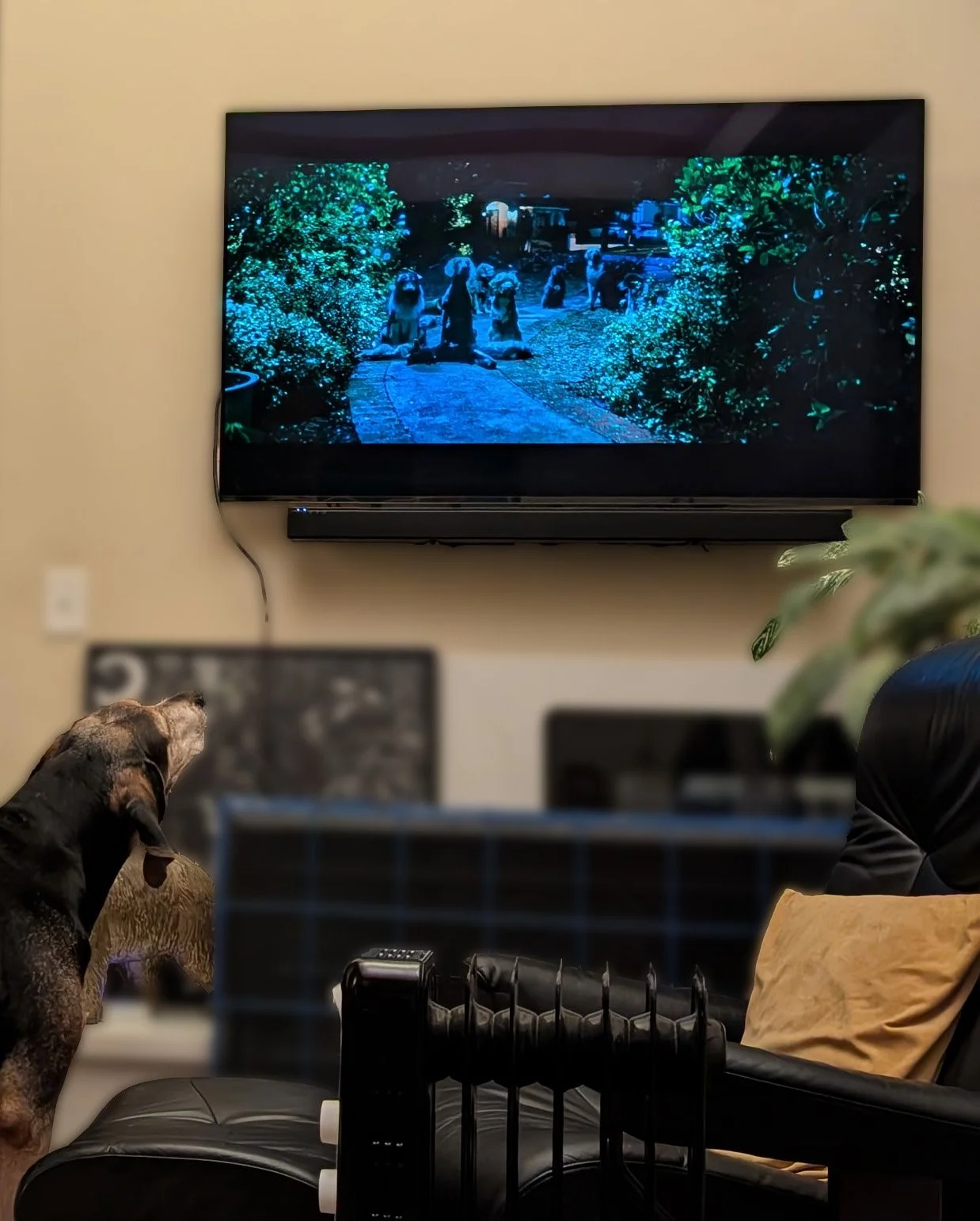
Bad editing job aside, this is a great example of Gus while BarkSkip is turned off and after BarkSkip is turned on during an episode of Seinfeld.
A screen recording of BarkSkip running on Chrome desktop. Titles shown for demo purposes. They may no longer be available on Netflix.
Pricing - BarkSkip Pro
You shouldn't have to pay a monthly subscription just to watch TV in peace. Use BarkSkip for free, then upgrade once for $15 to unlock the full catalog—no monthly fee.
Why I Built BarkSkip
BarkSkip was built out of desperation. My dog Gus was an active TV watcher. It was fun to have him watch with me until an animal appeared on screen…