Software for a calmer life
Reactive, TV-watching dogs are exhausting. BarkSkip is a Chrome Extension that automatically skips reactive scenes on Netflix to reduce reactivity and bring calm to your living room.
Reclaim Your Movie Nights
How BarkSkip Works
Watch Netflix with less stress. BarkSkip is a free Chrome extension that warns you and then skips mapped animal and noise triggers on supported Netflix titles, so reactive and noise-sensitive dogs are less likely to react at the screen.
1.
Install the extension: Install BarkSkip from the Chrome Web Store for free with one click. Pin the extension, open the popup, and turn Extension Power on. No account required. Five movies are included at no charge; BarkSkip Pro (optional) unlocks the full catalog.
2.
Pick a supported title on Netflix: Open Netflix on your laptop in Chrome and start a supported movie from BarkSkip’s list. Free titles include Meet the Parents, Meet the Fockers, There's Something About Mary, The Proposal, and Aloha. Want the big screen? Connect your laptop to your TV via HDMI or screen mirroring; BarkSkip runs on the computer that plays Netflix.
3.
Put down the remote: Sit back and relax. BarkSkip shows a brief on-screen warning, then automatically skips past curated trigger scenes- the dogs, animals, and loud noises you’ve chosen in Categories before your pup has time to react. Optional BarkSkip Pro adds the rest of our growing catalog when you’re ready.
BarkSkip in Action
Demo and screenshots of BarkSkip on Netflix: the BarkSkip menu opens over a standard ad-free watch page, scrolls the supported-movies list to Meet the Parents, then cuts to playback where BarkSkip detects an animal trigger and prepares to skip.
BarkSkip Pro
You shouldn't have to pay a monthly subscription just to watch TV in peace. Test BarkSkip for free, and upgrade once for $15 to unlock the full catalog — no monthly fee.
BarkSkip (Free)
$0.00
Perfect for testing the waters.
Free Google Chrome extension
5 curated titles (Aloha, Meet the Parents, Meet the Fockers, There's Something About Mary, The Proposal)
Warn + skip for Animals, Loud Noises, and other categories you support
Report missed triggers
Other Netflix titles may show in BarkSkip with a Pro badge until you upgrade.
BarkSkip Pro
$15.00
plus applicable taxes
One-time payment. Yours forever.
Lifetime access to the full catalog and updates we publish for supported titles
License key by email after checkout
Up to 3 devices (e.g., laptop + second computer)
Warning + skip for cataloged triggers you enable (Animals, Loud Noises, and more)
Catalog
Up-to-date catalog on BarkSkip supported titles.
Why a One-Time Fee?
We know you already pay for Netflix, internet, and enough dog treats to bankrupt a small country. We are tired of subscription fatigue too. BarkSkip Pro is a single $15 investment to put down the remote, stop guarding the living room, and finally enjoy movie night with your dog again.
Refunds
14-day refund if you haven’t activated your license. See Terms of Sale & Refunds for details.
Questions
See the FAQs or contact us via email.
BarkSkip is a convenience tool for TV watching with reactive dogs — not veterinary or training advice. Requires Chrome on a computer and a Netflix account. Not affiliated with Netflix or Google.
FAQs
-
Not today. BarkSkip is built for Standard (ad-free) Netflix in a desktop browser (netflix.com/.../watch/...). It reads Netflix’s player timing and skips using a catalog mapped to specific titles. Hulu, Disney+, Prime Video, and the Netflix TV/mobile apps are not supported at this time.
-
Yes — as long as Netflix is playing in Chrome on your computer and that computer is connected to the TV.
BarkSkip runs in the browser, not in Netflix’s smart TV app. HDMI only sends picture and sound from your laptop to the big screen. The extension still does the skipping on the computer running Chrome.
Setup
Connect your laptop or desktop to the TV with HDMI (or use extended display).
Open Chrome → Netflix → start your movie on a /watch/... page.
Open the BarkSkip popup: turn Extension Power on, choose categories, confirm the supported title.
Press play, then go fullscreen in Netflix (or mirror/extend to the TV).
Watch for the BarkSkip warning bubble on the video — skips run automatically.
-
No. It only runs in Chrome on a computer on netflix.com. The Netflix app on smart TVs, phones, and tablets does not support browser extensions.
-
BarkSkip is for any breed (or mix) whose reactivity shows up during TV watching, barking at animals on screen, or reacting to sirens or loud sounds. It does not diagnose or treat reactivity; it reduces exposure to known trigger moments on supported movies. Every dog is different: some need only Animals skips; others need Loud Noises, Violence, or more. Use the category toggles in the popup and report missed or wrong skips so the catalog can improve. Severe reactivity may still need a trainer or behaviorist alongside BarkSkip.
-
BarkSkip watches playback on supported titles and compares it to a curated trigger catalog (animals on screen, loud noises, and other categories you choose). When a mapped scene approaches, it displays a brief on-screen warning, then skips that segment so your dog is less likely to hear or see the trigger. You can turn categories on or off in the extension popup—for example, Animals only, or Loud Noises for sirens and doorbells. It’s meant to reduce remote juggling and give you and your dog a calmer watch experience; it’s not a substitute for training or veterinary behavior plans.
-
Complete checkout on Stripe (from barkskip.com/pro or Upgrade in the extension).
Check your email for a license key (BSK-XXXX-XXXX). Check spam if needed.
Open the BarkSkip extension popup → paste the key → Activate.
Reload Netflix if needed; Supported movies should show the full catalog.
Each license works on up to 3 devices. Contact info@barkskip.com if you replace a computer and need a reset.
-
The Chrome extension is free to install from the Chrome Web Store.
Free tier: Five movies with full skip/warn support — no purchase required.
BarkSkip Pro: $15 one-time (plus tax where applicable) unlocks the full catalog on supported Netflix titles. You receive a license key by email after Stripe checkout; paste it in the extension popup and tap Activate.
Upgrade: barkskip.com/pro (or use Upgrade in the extension).
Refunds: see Terms of Sale & Refunds (14-day window if you never activated, or we can’t fix a material issue).
-
No. BarkSkip is a convenience tool for TV watching with reactive dogs. It does not replace professional training, medication, or veterinary advice.
-
Chrome on desktop or laptop is required today.
Safari for Mac is in development but not available yet as a public release. Firefox, Edge, mobile browsers, and Netflix on TV apps are not supported.
-
BarkSkip runs on Netflix watch pages when you use it. Optional reports send details you submit (e.g., playback time, title) to help improve the catalog. See our privacy policy for details.
-
On a playing, Netflix watch page, open the BarkSkip popup → Report at current time. For more details (full scene notes), use barkskip.com/report-trigger.
-
Google Chrome on a computer (laptop or desktop — not phone or tablet)
A Netflix account
A supported title in the BarkSkip catalog (five movies free; full catalog with BarkSkip Pro)
The extension turned on, on a Netflix watch page (netflix.com/.../watch/...) with the video playing
-
You’ll see a warning bubble on screen, then an automatic skip to the end of that trigger/scene. You can cancel the skip from the bubble. If you scrub into the middle of a scene, BarkSkip can catch up and skip to the end of that trigger window.
-
You choose categories in the pop-up, including Animals, Babies/Kids, Loud Noises, Violence, Supernatural, Scary Things, Robots, and Weird Things. Only enabled categories are skipped.
-
Only titles in the BarkSkip catalog.
The beta free tier includes five flagship movies:
Aloha
Meet the Parents
Meet the Fockers
There's Something About Mary
The Proposal
Other Netflix titles may play in the app but won’t skip until they’re added to the catalog (and unlocked on your plan). We’re expanding the catalog over time.
-
Why didn’t BarkSkip work on my movie?
Common reasons:
The title isn’t in the catalog yet
Extension Power is off
You’re on Netflix browse/home instead of a /watch/... page
The video isn’t playing
The wrong movie is selected in the popup
The trigger category is turned off
Refresh the Netflix tab after installing or updating the extension.
-
No. BarkSkip skips catalogued moments we’ve mapped and QA’d. It won’t catch every unmapped sound or animal — especially on new or rare content.
Use Report at current time in the popup (while playing on Netflix) to flag misses or bad timing. For more detail, use barkskip.com/report-trigger.
Why I Built BarkSkip
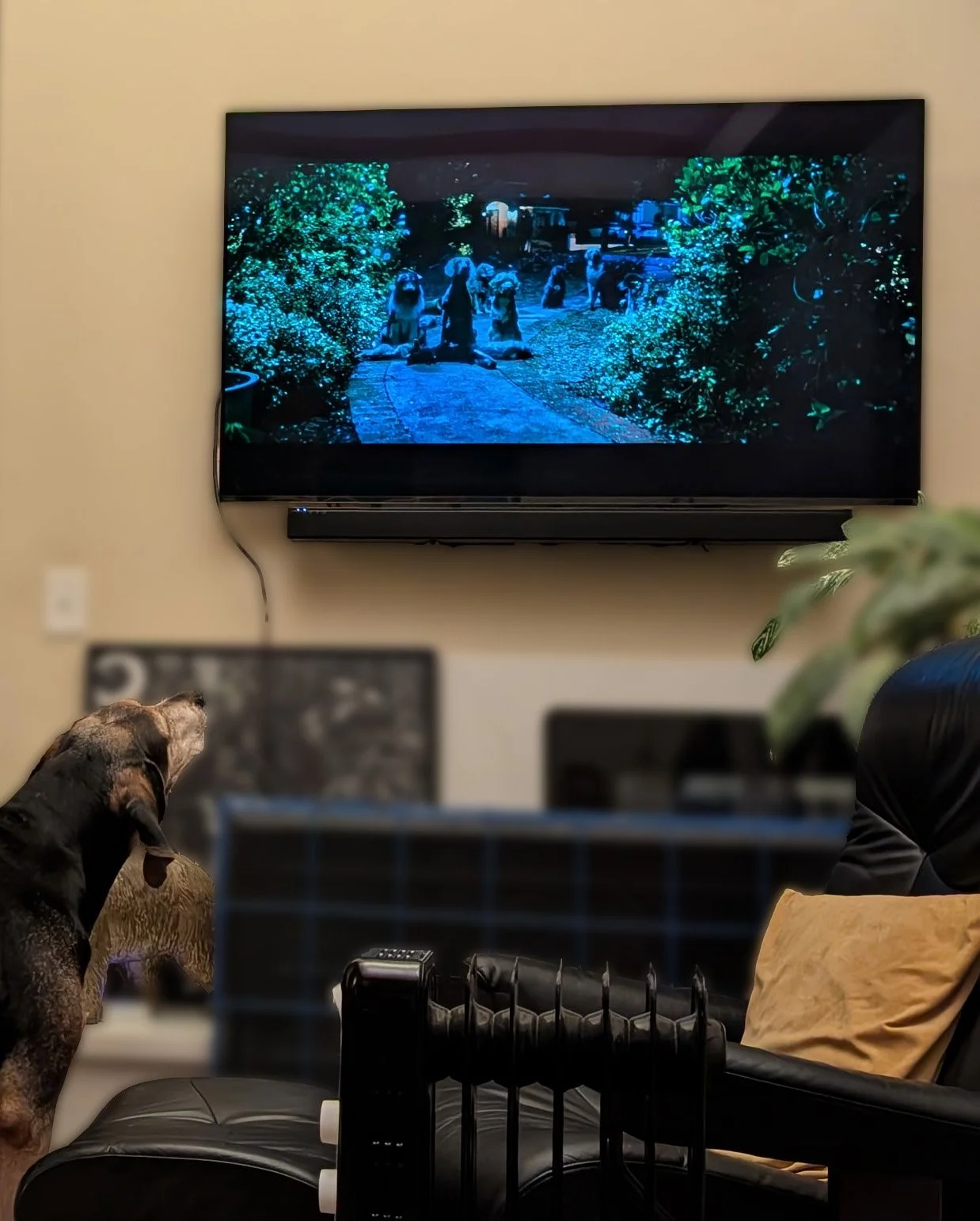
BarkSkip was built out of desperation. My dog, Gus, is an active TV watcher. It’s fun having him watch with us, until it’s not. See, Gus is extremely reactive to so many things (animals, sounds, cinematography) that movie nights became exhausting hover-sessions over the remote. I couldn't find a tool to help us, so I built one. Now, I want to share the peace and quiet with other reactive, TV-watching dog owners.